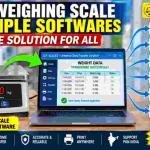
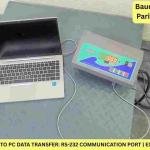
Weighing Scale Data Transfer Software: One Solution for Tally, ERP, Excel, Word, Web & PLC
Transfer weighing scale data directly to Tally, ERP, Excel, Word, web applications and PLC systems with a customized solution from U.P. Scales.


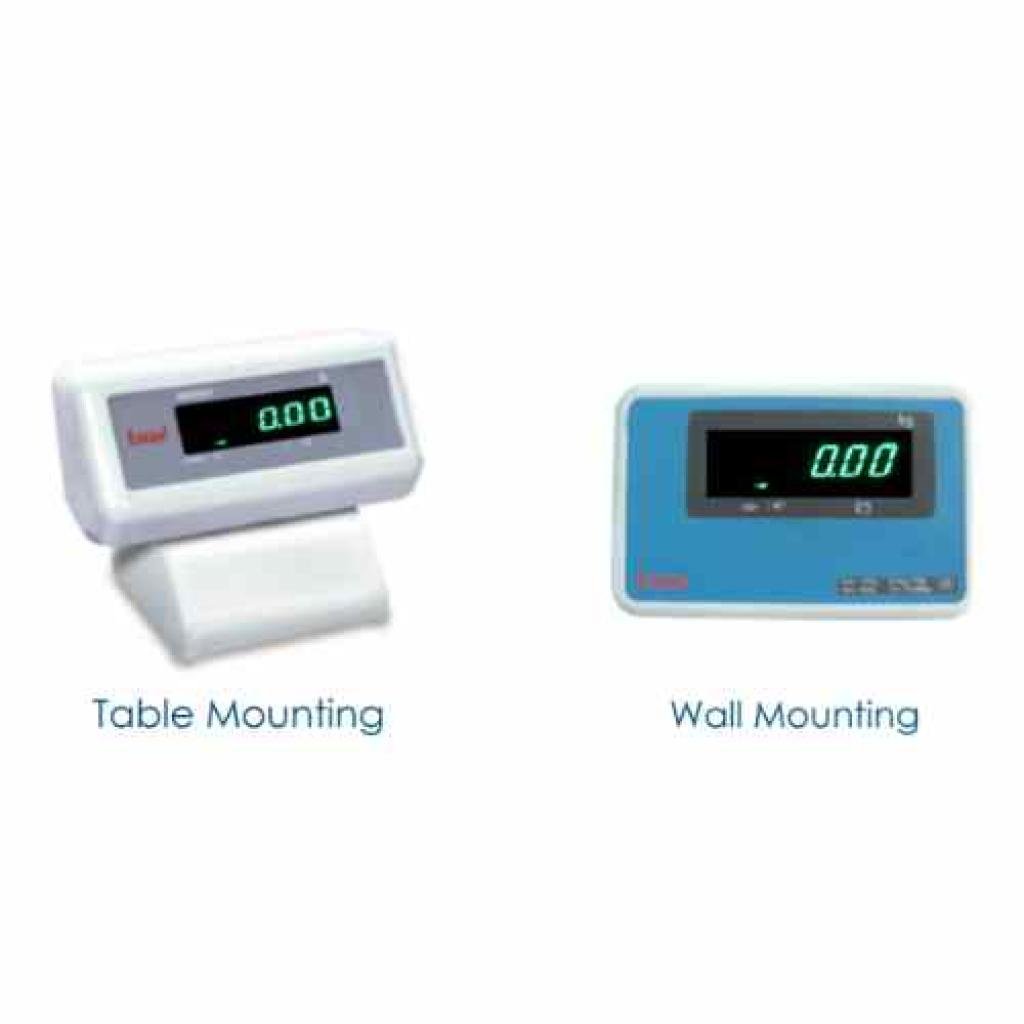
Enhance your DX‑415 weighing system with a dedicated Green LED remote display. Choose the wall‑mount 5‑metre version for factory‑wide visibility, or the table‑top variant for counter‑side transparency. Both give you bright, instant weight readouts at a glance – no more squinting at the main indicator.
In industrial and retail weighing environments, the weighing indicator is often placed at the operator’s side, but the reading needs to be visible to customers, supervisors, or crane operators. A remote display bridges that gap – it duplicates the weight reading on a larger, bright LED screen at a distance, improving transparency, efficiency, and safety.
Essae‑Teraoka offers two purpose‑built remote display variants for the DX‑415 model, each designed for a specific mounting scenario.
Best for: Overhead visibility, wall‑mounted viewing, industrial floors, and check‑weighing stations.
| Feature Category | Specification Details |
|---|---|
| Compatible Model | Essae DX-415 and compatible weighing systems |
| LED Display Colour | High-brightness green LED for excellent visibility, even in bright ambient lighting |
| Cable Length | 5 metres, allowing flexible installation away from the weighing indicator |
| Mounting Type | Wall-mount design suitable for installation on walls, pillars, columns, or overhead structures |
| Primary Purpose | Enables operators, supervisors, quality control personnel, and customers to view weight readings clearly from a distance without crowding the weighing station |
Best for: Desk‑top, counter‑top, or portable placement where the display sits on a flat surface.
| Feature Category | Specification Details |
|---|---|
| Compatible Model | Essae DX-415 |
| LED Display Colour | High-brightness green LED for clear, fatigue-free viewing during extended operation |
| Mounting Type | Table-top / counter-top design with a stable self-standing base |
| Placement | Portable design that can be easily moved between workstations or positioned beside the operator for a convenient secondary weight display |
| Criteria | U20491 (Wall Mount, 5 m Cable) | 24837 (Table-Top Display) |
|---|---|---|
| Mounting | Fixed wall or overhead installation | Free-standing on any flat surface |
| Cable | 5-metre cable for extended installation reach | Standard cable length for table-top placement |
| Best Environment | Factories, warehouses, manufacturing units, and large platform scales | Retail counters, laboratories, offices, and small workstations |
| Visibility Angle | Best when mounted above eye level for long-distance viewing | Best when positioned at eye level on a desk or counter |
| Permanent vs. Portable | Semi-permanent installation | Fully portable and easy to relocate |
Both accessories are exclusively designed for the DX‑415 model. If you are using other Essae models (DS‑215 series, DX‑451, SI‑850, etc.), they have their own dedicated remote display variants (which we will cover on later days). Always verify model compatibility before ordering.
Original Source: https://upscales.buyweighingmachine.com/blog/remote-display-solutions-for-essae-dx415-weighing-scale

Transfer weighing scale data directly to Tally, ERP, Excel, Word, web applications and PLC systems with a customized solution from U.P. Scales.
Need reliable general-purpose laboratory balances? U.P. SCALES, authorized dealer of Aczet, offers CG-L precision balances, CG-N counting scales, CG-S stainless steel scales, and CG Series table top balances. Pan India delivery & installation.
In today's dynamic industrial landscape, weighing operations are no longer confined to fixed locations. Field service teams, mobile inspection units, logistics fleets, and temporary production sites all require weighing systems that can travel with them.